
Reviews
Pixel Sprint Retro Runner succeeds by making its music an integral part of gameplay rather than mere background noise. The custom tracks for each mode genuinely help players time their jumps, creating a satisfying loop of listening and reacting. The achievement system adds structure without feeling grindy. The clean visuals and instant restart make it easy to pick up for a few minutes or settle in for longer sessions. It is a well-crafted example of how a simple concept can feel complete and polished.
About this game
Core Movement & Rhythm
In Pixel Sprint Retro Runner, players control a character that moves automatically from left to right. The main challenge comes from timing jumps and flights to clear gaps and avoid obstacles. The game’s music tracks are not just background noise—they provide a rhythmic cue that helps players anticipate when to act. This creates a natural flow where listening closely improves performance.
Mode Variety & Custom Tracks
The game includes several distinct modes, each with its own custom music composition. These tracks change the pacing and feel of each run. Some modes may emphasize speed, while others focus on precision. Switching between modes gives players a reason to return and try different approaches, as the obstacles and rhythms shift accordingly.
Visual Style & Accessibility
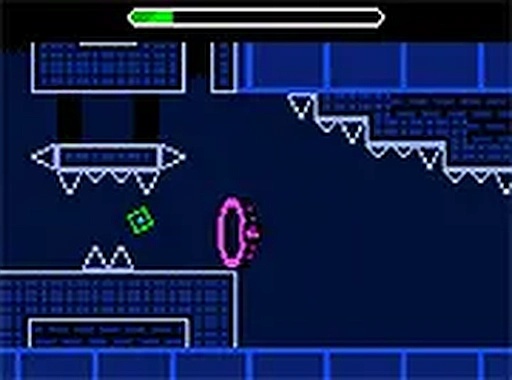
The graphics adopt a clean retro aesthetic with bright colors and simple shapes. This style keeps the screen uncluttered, making it easy to read incoming obstacles. The game runs directly in a browser on both desktop and mobile devices. A full-screen option is available for a more focused experience. No downloads or installations are needed.
Progression Through Achievements
An achievement system tracks player milestones, such as clearing certain modes or reaching specific distances. These goals serve as a guide for improvement, encouraging players to refine their timing and try new strategies. Unlocking achievements also provides a sense of progress beyond simply surviving each run.
Personalization Options
Players can customize their character’s appearance by choosing from a palette of colors. This simple personalization adds a layer of ownership without complicating the core gameplay. It also allows players to make the on-screen character more visible against different backgrounds, which can be a practical advantage during fast-paced sections.






Comments
Sign in to leave a review
No account? Create one
No comments yet.